
Blog
Tags
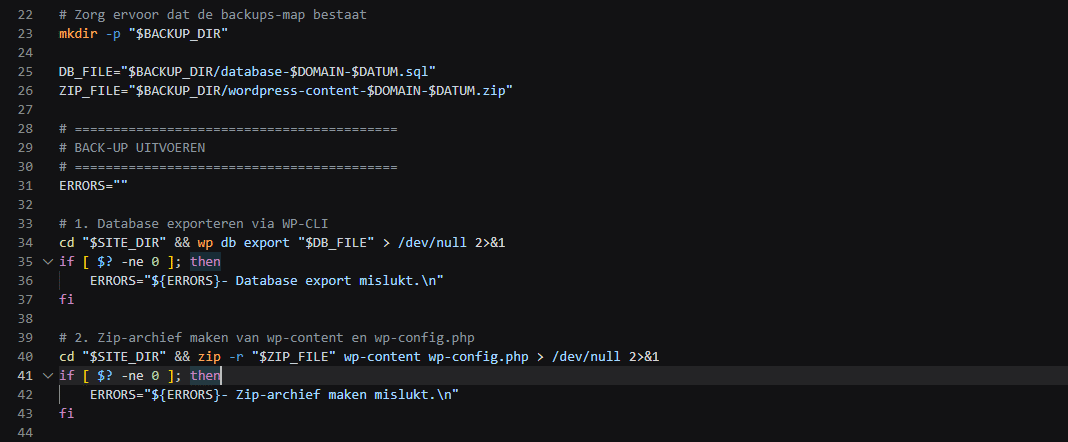
Our Linux hosting packages include a range of powerful tools and the ability to run cron jobs via .sh files can be extremely useful and make your work and maintenance easier. In this blog post we’ll show you some examples of how to set this up and make the most of it. Why Combine Shell Scripts (.sh) with Cron Jobs? As a website administrator you want to spend as little time as possible on repetitive manual tasks and often more can be automated than you realize. Think for example of the daily
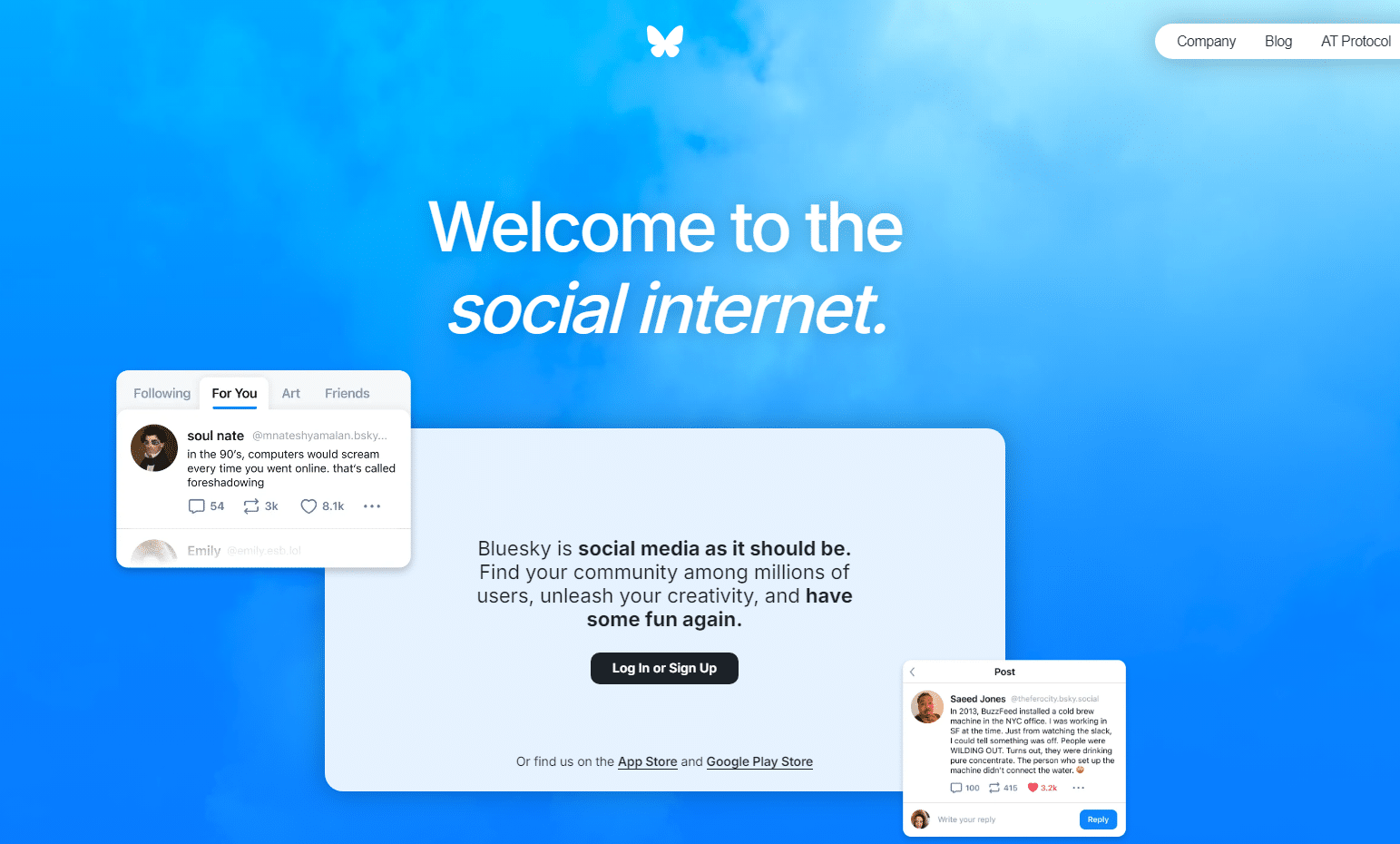
Bluesky has been a serious alternative to Twitter/X since 2024 and has been growing steadily since its launch with no fewer than 40.2 million users since the last report in September of this year. So is it worth investing time and effort in this alternative? Or is it not a good fit for your target audience? In this blog post let’s take a look at the latest developments at Bluesky. Social media has become an integral part of daily life for almost everyone with a smartphone—and that’s pretty

- 02-11-2026
- Developments
- Read more

When you launch a new website or online store you’ll likely spend a lot of time coming up with the perfect brand name. But the letters that come right after the dot deserve at least as much attention. That’s because the ending of your domain name plays a major role in how visitors perceive your brand and how well search engines and AI understand where your business operates and where to rank you in search results. Local Strength vs. International Reach Your target audience plays the key role
- 31-10-2026
- Domain Names
- Read more
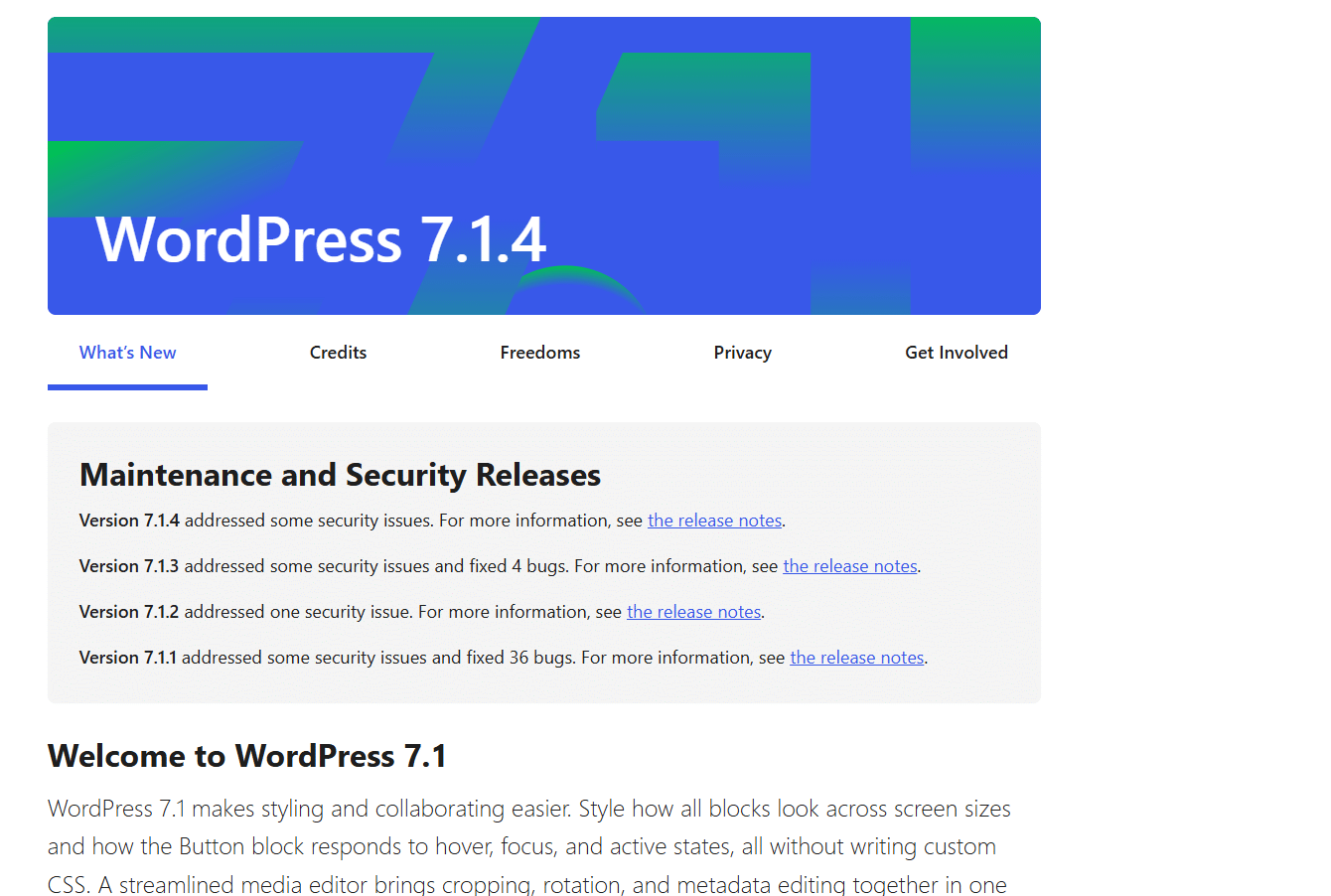
WordPress released a new security update on Wednesday evening (Dutch time): WordPress 7.1.4. This is a major maintenance release that addresses several security vulnerabilities. Since this is a security update it is recommended that you update your websites as soon as possible. Here’s everything you need to know about this version the security issues that have been fixed and how to update your website. What’s new in WordPress 7.1.4? WordPress 7.1.4 is a targeted security and maintenance release

Firefox remains one of the best-known independent players in the browser market. With its latest advertising campaign “Come Back to Firefox ” it’s targeting millennials and zillennials. The company is trying to win them back with a healthy dose of internet nostalgia. Old favorites like the Numa Numa Guy Annoying Orange and the “Overly Attached Girlfriend” are making a comeback—and no these aren’t AI versions; they’re the real internet heroes from back in the day! Let’s take a
- 28-10-2026
- Developments
- Read more

In the past it was important not only to consider mobile design but also to install separate code plugins or themes for it. Now at the end of 2026 you hardly hear or see anything about that anymore—but why is that? And are separate measures even still necessary to fully optimize a website for mobile devices? We’ll discuss that in this blog post. WordPress Themes Virtually all WordPress themes currently on the market automatically adapt to mobile screen sizes without requiring any additional
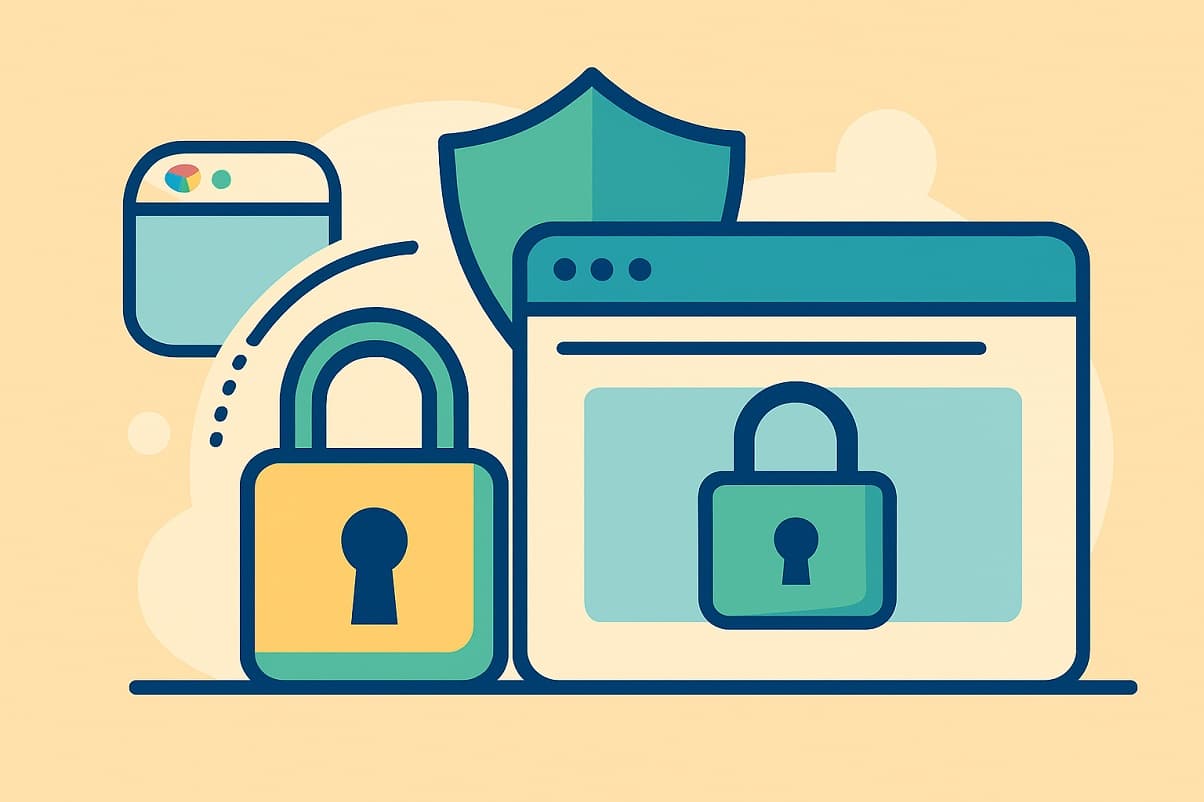
As a visitor you may not consciously notice it anymore but the familiar “lock” icon in the browser’s address bar is indispensable these days. A secure connection via HTTPS enabled by an SSL certificate has been the standard on the Internet for years. Nevertheless there are still websites that run on the old HTTP protocol. As a website operator you’re taking a big risk by doing so. Google is very clear on this: Websites without an SSL certificate are not only flagged as insecure by the browser

This may have happened to you before: Someone wants to send you an important email but types your name incorrectly. Instead of sending it to info@jouwdomein.nl they send it to ifno@jouwdomein.nl or peter@jouwdomein.nl. Normally the sender receives an error message (bounce) and the message never arrives. With a catch-all email address you can intercept all these misaddressed emails. That sounds like the ideal solution to ensure you never miss a customer or a quote request again. But there’s also
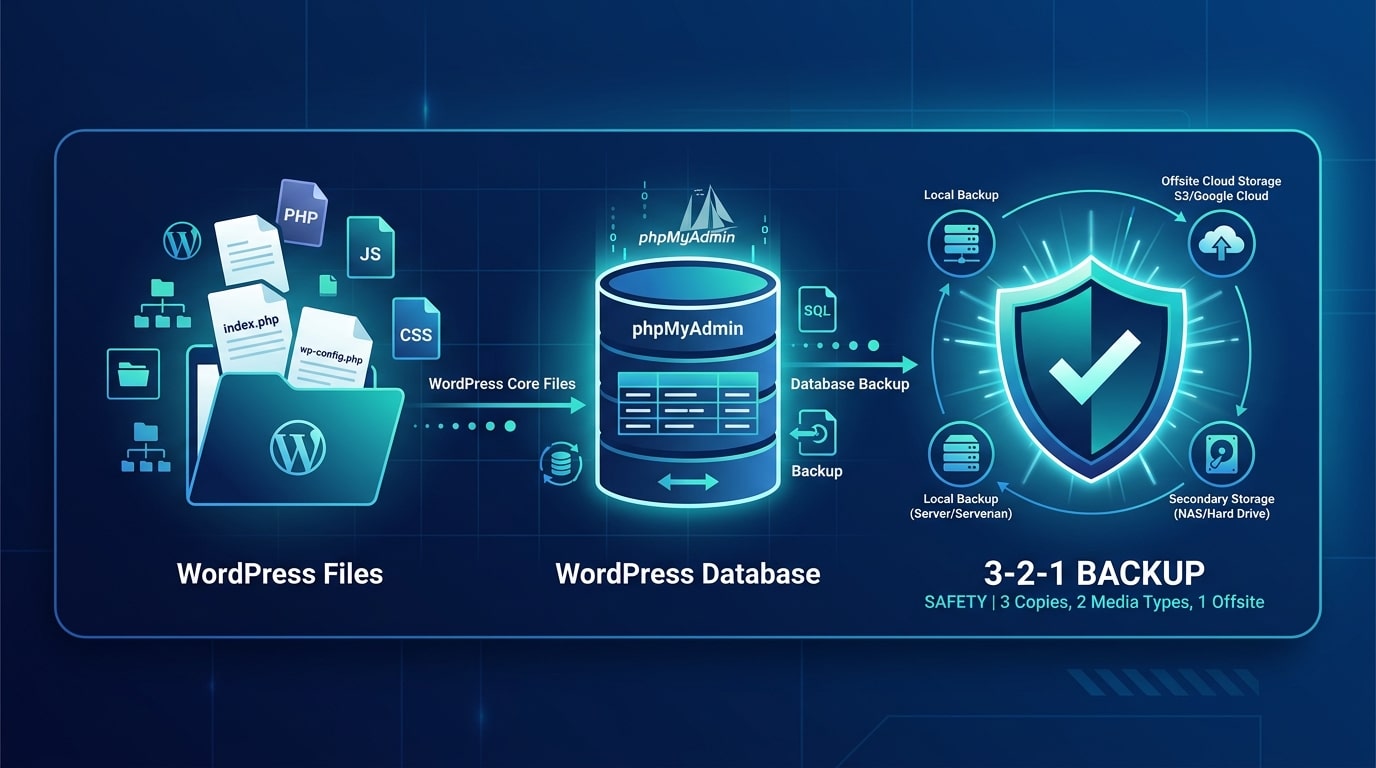
Backups are an important and indispensable part of running a website—after all in the worst-case scenario you’ll want to be able to recover all your work on a website. We recommend that everyone follow these two simple steps to create a backup and store it in multiple locations. Read through the steps below to learn how it works. There are several ways to create a backup for a WordPress website. However we recommend doing this at least once using the method described below. That way even in
- 1
- 2
- 3
- 4
- 5
- 6
- 7
- 8
- 9
- 10
- 11
- 12
- 13
- 14
- 15
- 16
- 17
- 18
- 19
- 20
- 21
- 22
- 23
- 24
- 25
- 26
- 27
- 28
- 29
- 30
- 31
- 32
- 33
- 34
- 35
- 36
- 37
- 38
- 39
- 40
- 41
- 42
- 43
- 44
- 45
- 46
- 47
- 48
- 49
- 50
- 51
- 52
- 53
- 54
- 55
- 56
- 57
- 58
- 59
- 60
- 61
- 62
- 63
- 64
- 65
- 66
- 67
- 68
- 69
- 70
- 71
- 72
- 73
- 74
- 75
- 76
- 77
- 78
- 79
- 80
- 81
- 82
- 83
- 84
- 85
- 86
- 87
- 88
- 89
- 90
- 91
- 92
- 93
- 94
- 95
- 96
- 97
- 98
- 99
- 100
- 101
- 102
- 103
- 104
- 105
- 106
- 107
- 108
- 109
- 110
- 111
- 112
- 113
- 114
- 115
- 116
- 117
- 118
- 119
- 120
- 121
- 122
- 123
- 124
- 125
- 126
- 127
- 128
- 129
- 130
- 131
- 132
- 133
- 134
- 135
- 136
- 137
- 138
- 139
- 140
- 141
- 142
- 143
- 144
- 145
- 146
- 147
- 148
- 149
- 150
- 151
- 152
- 153
- 154
- 155
- 156
- 157
- 158
- 159
- 160
- 161
- 162
- 163