

Blog
Tags
If you have your own business that depends on a website and its hosting the security of this is very important. After all you don't want your website to be abused to carry out attacks for example. To prevent that you need to take the right measures to protect your own website. In this blog post we will discuss some of the things you can do to protect your website. Updates One of the most important things you can do to keep your website safe is to download updates. Especially when you're using WordPress
Microsoft has found that 44 million of their users have their data online. The affected users have also received an email from Microsoft asking them to change their passwords. According to Microsoft themselves they have been investigating leaked data in recent times. This mainly involved data that hackers got hold of during a data leak. Between January and March Microsoft conducted this investigation. They scanned 3 billion logins and compared them with their own database. This research showed
If you own a business or have a web store this is probably one of the worst things that can happen to you. A virus on your website can cause a lot of damage to your business as well as your visitors. Of course you want your hosting to be protected against this at all times. Therefore in this blog post we are going to go through what you can do about it and what some of the causes of this might be. How do viruses get on my website? It is important to know where viruses come from so you can protect
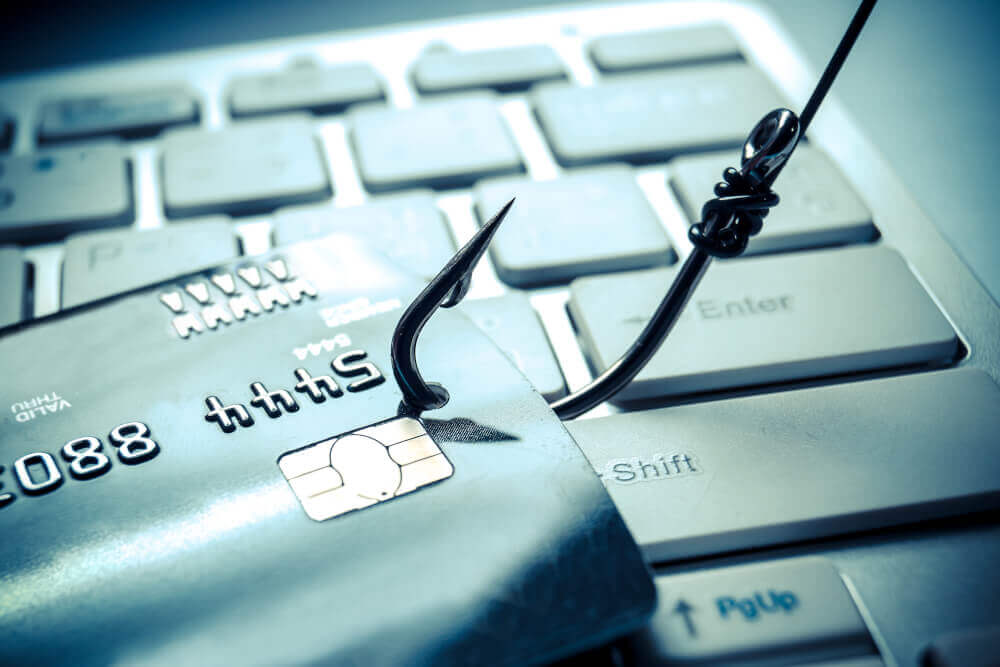
Phishing is increasingly happening over WhatsApp and SMS Scammers are increasingly trying to find out bank details of users via SMS or WhatsApp. This was revealed in a study by the Dutch Banking Association and the Payment Association Netherlands. For example in the first half of 2019 there were more victims than in the last half of 2018. According to the Dutch Association of Banks this is because phishing is more often done over WhatsApp and SMS these days. If you have your own phone number on

You see it more and more often in news articles these days zero-day attacks carried out on companies. Now you might be wondering what exactly it means and if it will affect your hosting. Zero-day attacks are attacks that are performed on the same day that a vulnerability is discovered. Because of this the developers do not have the possibility to fix it malicious people like to take advantage of this. As a user you can of course also help by for example informing companies about a leak if you know
Nowadays phishing attacks are used more and more so you have to be more and more careful about this. The Belgian government has therefore started a new awareness campaign to make people aware of this. They have come up with a slogan the slogan is "Relax and think twice before clicking on a link". This is not only aimed at people who use hosting but also at ordinary internet users. It often happens that people still press phising links often because they press too fast. How do I recognize phising?
If you are using WordPress on your hosting then of course you want the website to run as well as possible. After all the idea is that the website is fast but it also needs to be a secure website. You don't want malicious users to take over your website and abuse it. It is therefore important that you know what you can do to protect your WordPress website against this. In this blog post we will cover how you can keep your WordPress hosting safe from attacks. Passwords It's important that people
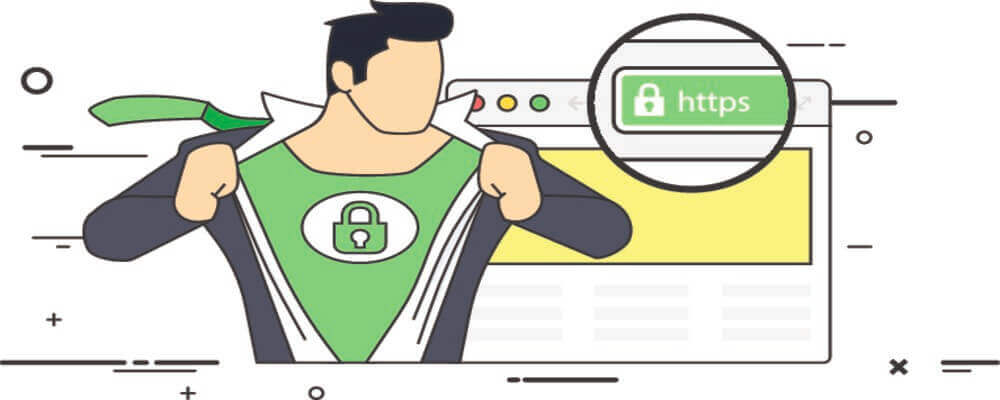
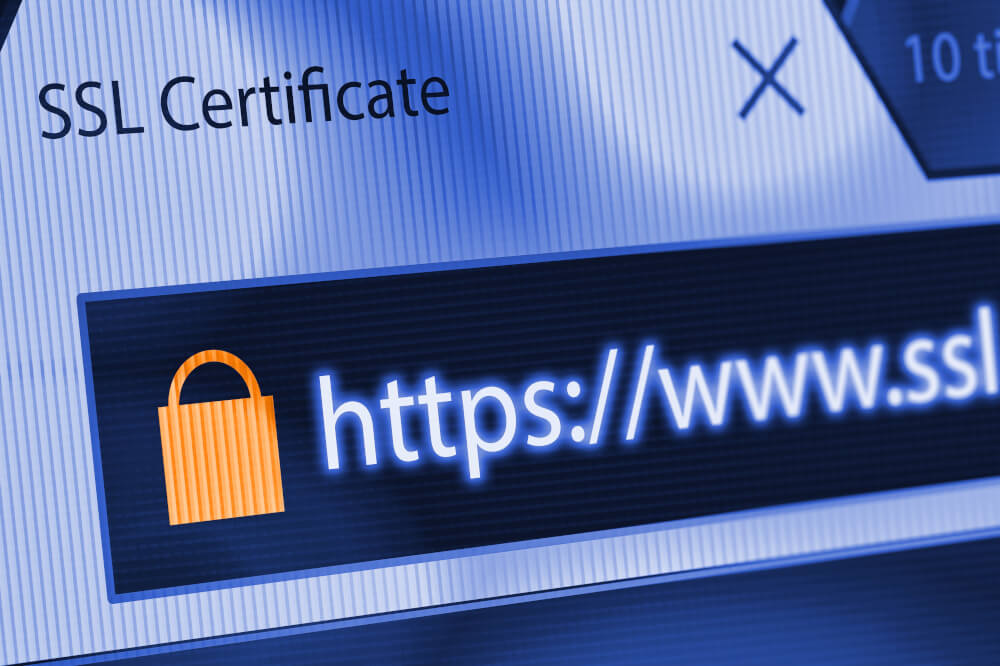
Nowadays most websites use a SSL certificate for a secure connection. You can recognize this by the padlock at the top of the search bar also there will be https:// before the link. However it may be that your website is not fully secure for example because there are images loaded over http instead of https. This is also called mixed content you will get a message about this in the top of your browser. Google Chrome already blocks some of this content for example scripts and fonts. However they
Many people use Google Chrome as it is currently the most popular browser that is. However the last time researchers found a leak in Google Chrome that showed pop-ups. Users were redirected to a website containing malware. If you use an adblocker you will not be bothered by this. The malware exploited a security flaw that allowed the pop-up blocker to be bypassed. This is a vulnerability that was reported on April 11 and was resolved when Google Chrome 75 was released. Should I switch? Now that