 12-06-2026
How do you optimize your website for Google Discover?
As a website owner, you’re probably constantly focused on SEO: optimizing your content, improving page load speeds with your hosting provider, and ranking for specific search terms. But what if you notice that your SEO traffic keeps declining? As is currently the case with AI. However, there’s another traffic source from Google, and that’s Google Discover!
While traditional Google searches are “proactive” (a user enters a query), Google Discover is “predictive.” Google provides mobile users with a personalized feed based on their specific interests, browsing behavior, and hobbies. Does your website make it into this feed? If so, you can expect a massive increase in visitor numbers.
But how do you increase your chances of being featured here? Using Google’s official guidelines, we’ll explain the absolute basics.
Indexing & Guidelines
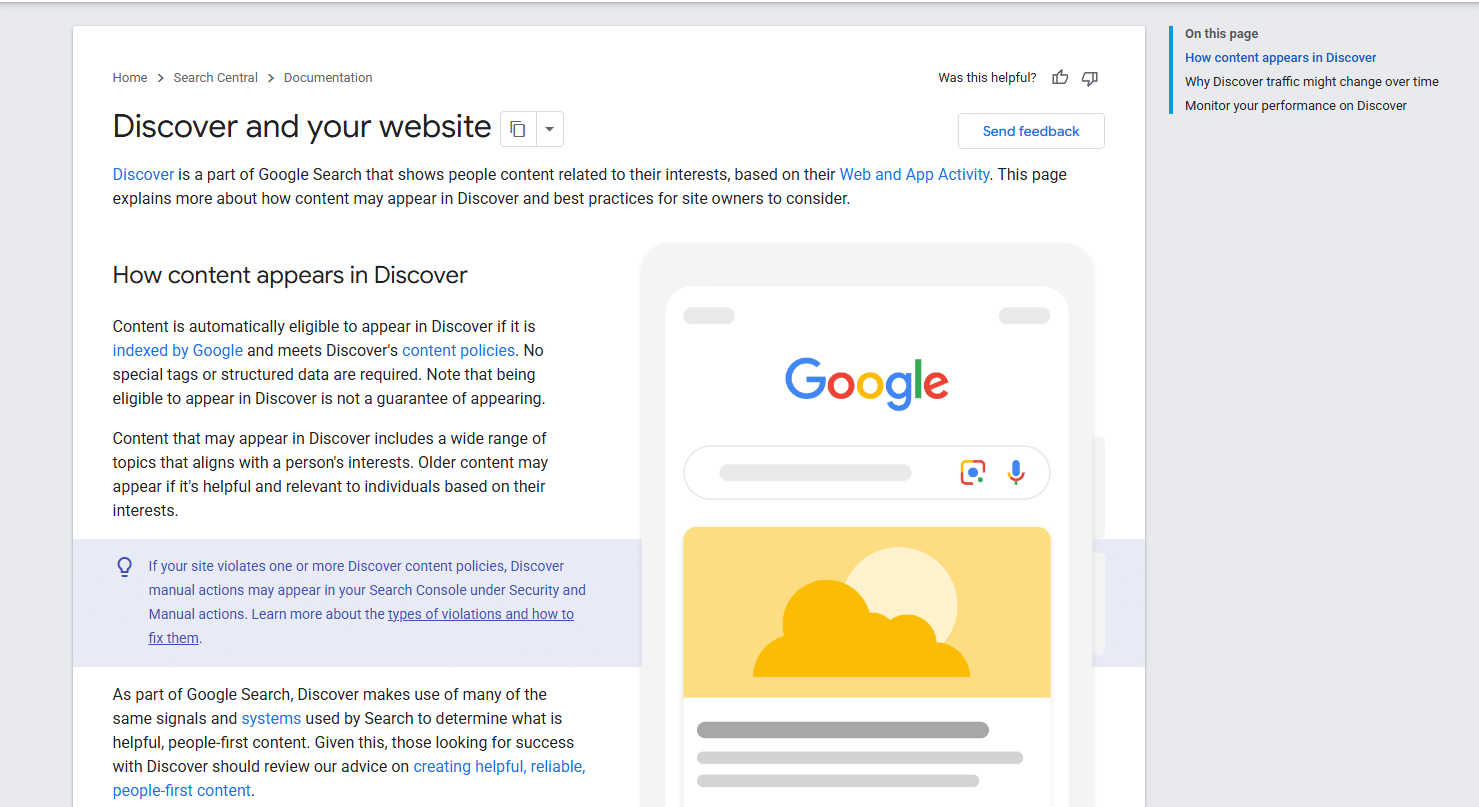
Let’s start with the good news: You don’t need to add complicated structured data or special code tags to be eligible for Google Discover. According to Google’s official documentation, any page that has been indexed by Google and complies with Discover’s content guidelines is automatically eligible.
In practice, this means:
• Make sure your website is technically sound and can be crawled by Googlebot without any issues (fast, stable hosting from MijnHostingPartner.nl provides the perfect foundation for this).
• Your content must strictly comply with the general guidelines and the specific Discover guidelines (no dangerous, misleading, or copyright-infringing content).
Please note: Eligibility is not a guarantee of display. To ensure this, you must truly optimize your content based on the following four pillars.
1. The Power of Images: Use Large, High-Quality Images
Google Discover is an extremely visual medium. The single most important reason why suitable content still doesn’t appear in Discover is the lack of the right images. Google has strict requirements here to ensure a good user experience:
• Format: Make sure your featured images are at least 1200 pixels wide. This ensures sharp displays on mobile screens.
• Grant permissions: You must explicitly grant Google permission to display these large images. This is easily done by adding the following meta tag to your website’s <head> (many SEO plugins like Yoast or RankMath already do this automatically): <meta name="robots" content="max-image-preview:large">
Also, avoid using only your company logo as the main image; instead, choose appealing, relevant images that support the article’s content.
2. Write captivating headlines (but no clickbait)
Your article’s title is the deciding factor in whether someone clicks through or keeps scrolling. Google Discover rewards titles that perfectly summarize the core of the content. However, there is a very fine line between an “exciting headline” and “clickbait,” and Google cracks down hard on the latter.
What should you absolutely avoid?
• Misleading or exaggerating in your titles, snippets, or images.
• Withholding important information to pique curiosity (for example: “You’ll never guess what happened when this blogger switched hosting providers…”). This type of manipulation is immediately penalized by the algorithm.
Instead, focus on an honest, engaging title that immediately conveys to the reader how the article benefits them.
3. Timing, Relevance, and Unique Insights
Discover constantly adapts to the user’s current interests. To maximize your chances of being featured, your content must meet at least one of the following criteria:
• Be current: Respond to the latest news, trends, or current developments in your industry.
• Tell a story: People love storytelling. Well-written content that engages the reader performs significantly better.
• Offer unique insights: Don’t just repeat what your competitors are writing. Add your own data, opinions, tips, or practical experiences.
Tip: Although timeliness plays a major role, so-called “evergreen content” (timeless content) can suddenly appear in a user’s feed if that person has just discovered a new hobby or interest.
4. Trustworthiness and E-E-A-T
Since Google proactively recommends pages, the company wants to be absolutely certain that the source is trustworthy. This is closely related to Google’s E-E-A-T principles (Experience, Expertise, Authoritativeness, Trustworthiness). Make your website transparent by:
• clearly stating who wrote the article (including a short author biography).
• providing clear contact and company information on your website.
• being transparent about the article’s publication date (and any updates).
The Discover checklist for your next blog post:
1. [ ] Has the article been successfully indexed in Google Search Console?
2. [ ] Is the featured image at least 1200px wide?
3. [ ] Is the “max-image-preview:large” tag present in the source code?
4. [ ] Is the title inviting without resorting to cheap clickbait tactics?
5. [ ] Does the website load lightning-fast on mobile devices? (Discover our optimized SSD hosting for the best mobile experience!)
Scoring high in Google Discover isn’t an exact science, but by focusing on high-quality, mobile-friendly content and the right technical requirements (like large images and fast load times), you’ll open the door wide to a significant stream of free traffic.
Do you need help optimizing your website’s loading speed , or are you looking for a hosting provider that ensures your website remains accessible even during a surge of visitors from Discover? Then check out the packages from MijnHostingPartner.nl!