Also check out below articles
 28-02-2026
Why is my WordPress website slow?
WordPress is unfortunately not known for being the fastest way to run a website14-08-2026Which hosting package is best for developers?
As a developer you don’t want to spend too much time on server configurations;31-08-2026Create a Website for a Butcher Shop
As a butcher with a background in traditional craftsmanship you know better21-08-2026WordPress Update 7 1
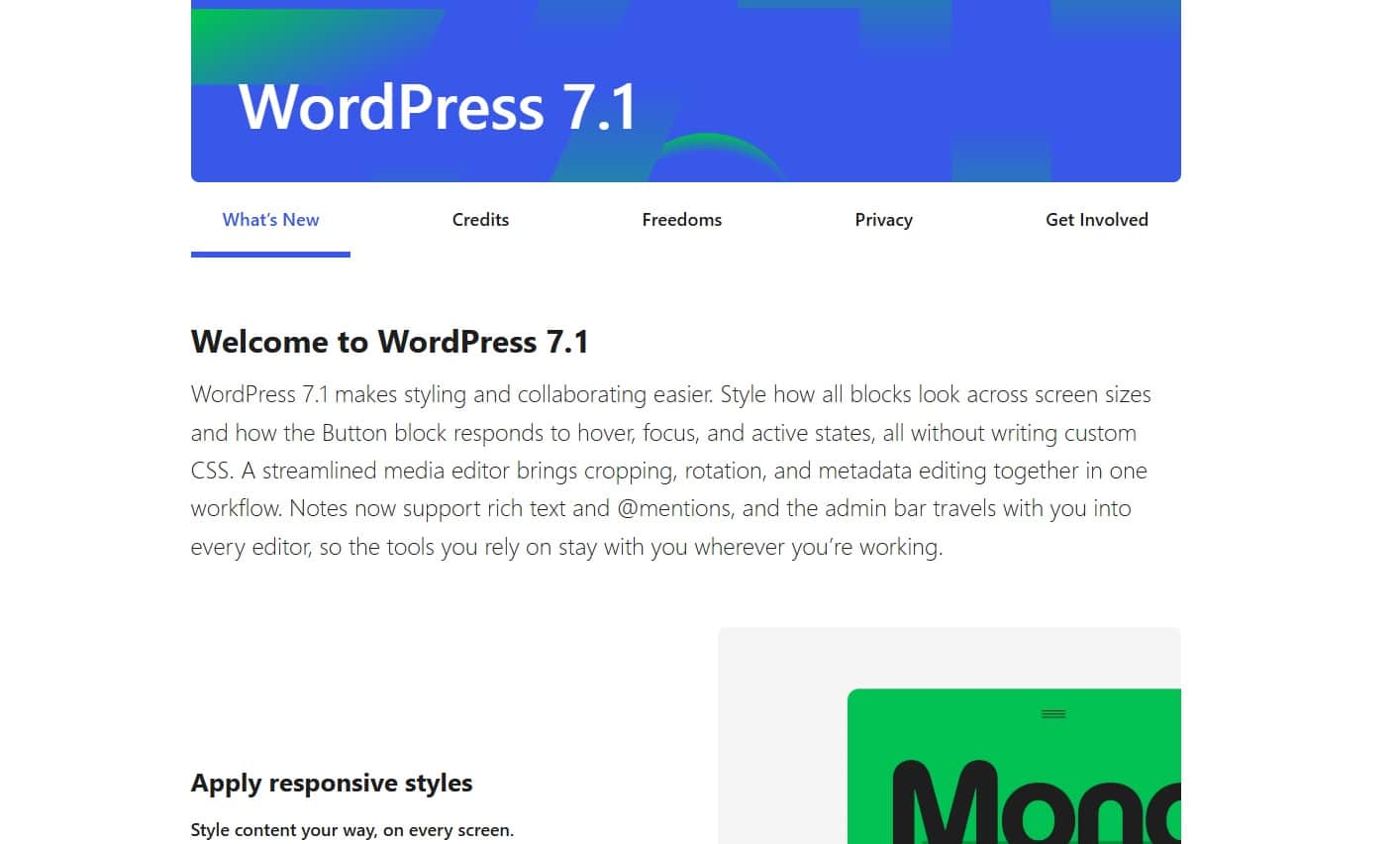
On Thursday morning (Dutch time), the WordPress update was ready for installation; as both we and our customers have noticed, the most recent WordPress updates haven’t gone entirely smoothly. The automatic updates between versions 7.0.3 and 7.0.4 were accompanied by some difficulties. Fortunately, these issues appear to have been resolved in version 7.1. Let’s take a look at what has changed and how you can safely and reliably update to the latest version of WordPress.
Several security vulnerabilities were patched in the most recent interim updates, which is why an immediate update was necessary. Users who didn’t update put themselves at risk, and we’ve also seen an increase in hacked websites among our clients. Once again, the rule applies: Update your websites regularly to prevent problems. As always, prevention is better than cure.
If you can’t keep up with this constantly or aren’t on your website every day, enable automatic updates for all WordPress components whenever possible. Remove unused themes and keep your list of plugins organized and up to date. While there is a risk that an automatic update could cripple your website, this risk is lower than the risk you face from using outdated components.
What’s New in the Current Version of WordPress 7.1
Live Responsive Styling Without Coding
In version 7.1, designing for different screen sizes is significantly easier. In the Gutenberg editor, you can switch directly to the mobile or tablet view to make styling adjustments. This includes, for example, specifically adjusting font sizes, margins, and alignment for mobile visitors without affecting the design on desktop. Additionally, new options for buttons have been added, allowing you to easily set hover, focus, and active states without having to write CSS code.
Faster Media Processing via the Browser
Media processing has received a major upgrade thanks to client-side media processing. From now on, images are cropped, resized, and compressed directly in the user’s browser before the file is uploaded to the hosting server. This significantly reduces the load on the server. In addition, WordPress 7.1 now supports modern file formats such as AVIF, HEIC, and UltraHDR by default, and the built-in image editor features a redesigned editing screen for precise cropping and rotation.
New Built-in Blocks for Tabs and Audio
To reduce reliance on external plugins, two highly requested blocks have been added to the WordPress core. With the new “Tabs” block, you can organize content into clear, expandable tabs. The new “Audio Playlist” block allows you to display visually appealing playlists for music and podcasts, including a modern waveform display.
Improved Collaboration with Enhanced Notes
For teams and editorial staff working together on pages or posts, the “Notes” functionality has been significantly expanded. You can now tag team members directly in the editor with an @mention, and they’ll receive a notification. Feedback and comments can be placed on specific sentences or paragraphs, complete with formatting options such as bold text, links, and emoji reactions.
Manual or Automatic Updates
WordPress can be easily updated both manually and via the automatic update feature. Simply use the option displayed in your WordPress admin panel to update to the latest version immediately. Or log in briefly via FTP and perform the update manually.
This may be necessary if you encounter a checksum error within WordPress itself while attempting to update.
We’ve observed this primarily on WordPress sites running versions 7.0.3 and 7.0.4. Not sure exactly how to do this manually? Then take a look at our detailed article:
https://www.mijnhostingpartner.nl/client/knowledgebase/webapplicaties/cms/wordpress/wordpress-via-ftp-updaten/
As always, you should first create a backup of both your database and your files and save them in multiple locations before performing the update. If anything goes wrong, you can quickly roll back to the previous version at any time.
WordPress 7.1 “Mary Lou” is a valuable update that gives you more control over the appearance and performance of your website. Thanks to the built-in responsive tools and smarter media handling, you can get the most out of your website and your hosting.
Do you need help with the update, want to upgrade the PHP version of your package, or have questions about WordPress hosting? The support team at MijnHostingPartner.nl is here to help via our live chat and ticket system!