Also check out below articles
 10-08-2026
Can linking to external sources be harmful?
Anyone who creates content for a website will face this situation sooner or24-08-2026Enable maintenance mode on your website
Sometimes it’s impossible to completely avoid the need to make changes to28-02-2026Why is my WordPress website slow?
WordPress is unfortunately not known for being the fastest way to run a website22-08-2026Setting Up a Professional Business Email Address
Are you still using a free email address like @gmail.com or @hotmail.com for your business? While this may be convenient during the startup phase of your business, it comes across as less professional in the long run. A business email address with your own domain name (such as info@jouwbedrijfsnaam.nl) lays the foundation for a trustworthy image with customers and suppliers. And it’s more affordable and convenient than you might think!
Why a Business Email Address Is Essential
Trust and professionalism: Recipients immediately recognize that you’re a reputable company. Emails from free accounts are more likely to end up in the spam folder or simply be ignored.
Brand awareness: With every email you send, you draw attention to your own domain name.
Greater Control and Security: With your own domain, you can easily create multiple email addresses for different departments (e.g., billing@, support@, or sales@) and manage them centrally through our customer portal.
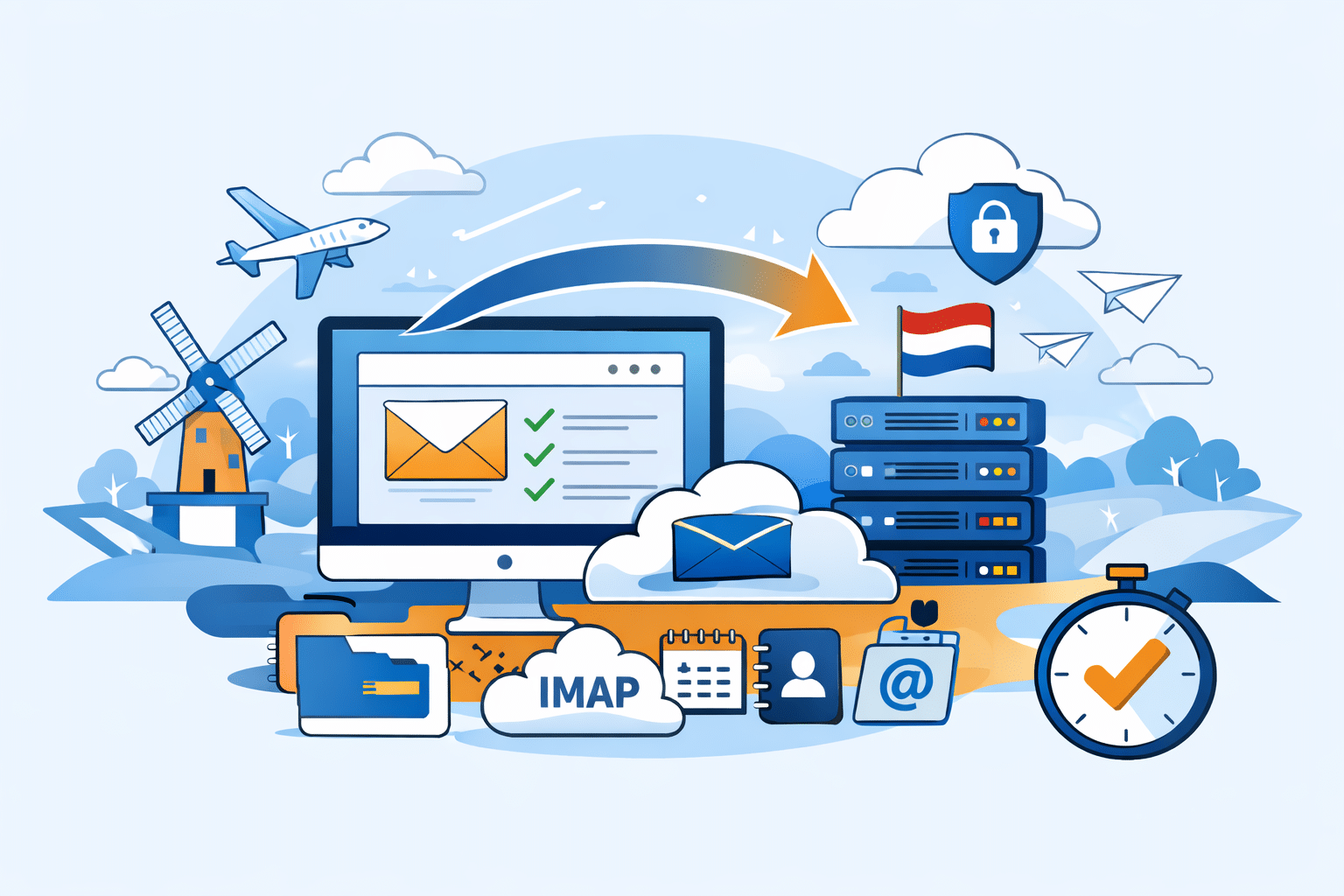
In addition, your email address is hosted in the Netherlands, and you pay for the service. This means your data won’t be used for advertising, AI, or other unwanted purposes that you wouldn’t want associated with your personal and business email contacts.
Guide: How to Set Up Your Business Email in 4 Steps
Step 1: Register the Right Domain Name
The foundation of your email address is your domain name. Choose a name that aligns with your company name or brand identity. Think carefully in advance about which domain extension (.nl, .com, .eu) best suits your target audience. It’s often helpful to keep a notepad handy for this while you’re setting up your business. Also, ask others for their opinion on the domain name before you register it. The key is not to limit yourself, to be recognizable, and to keep the name from being too long or too complicated. You should be able to share it over the phone without having to spell it out.
Step 2: Choose a suitable hosting or email package
To send and receive emails, you’ll need server space. At MijnHostingPartner.nl, you can choose between affordable email hosting or complete web hosting packages that include email management as standard.
Step 3: Set up your email accounts via the control panel
Once your package is active, you can easily create email addresses in the customer portal.
Tip: Choose a secure combination of letters, numbers, and special characters for your password to prevent misuse. Or use the password generator to create a secure, untraceable password right away. Save the password in your browser or password manager so you’ll always have it (securely!) at your fingertips.
If necessary, set up forwarding addresses or automatic replies (out-of-office messages).
Step 4: Link your email address to your preferred program
You can access your emails in various ways:
Webmail: Log in directly through your browser, from anywhere in the world.
Email clients: Link your account to programs like Microsoft Outlook, Apple Mail, or Thunderbird on your computer and smartphone. We recommend using IMAP (so all your messages stay properly synced across all your devices) with secure SSL/TLS settings.
Don’t forget about email security!
To ensure your emails actually arrive in the customer’s inbox (and not in the spam folder), it’s crucial to configure your DNS records correctly:
SPF record: Specifies which servers are authorized to send emails on behalf of your domain.
DKIM & DMARC: Provide a digital signature and additional protection against spam and phishing via your domain name.
We automatically set up these records for you as soon as you create your first email address. So you don’t have to worry about it anymore.
Switch to Professional Email
Setting up a business email address is a small investment of time that has a big impact on your company’s image.
Would you like to get started right away with your own email address under your own domain name? Check out our email hosting packages at MijnHostingPartner.nl and start sending professional emails in just a few minutes!