Also check out below articles
 09-05-2026
Protect your daily internet use
As a hosting provider we are an integral part of the internet and proud to05-06-2026Set up an out-of-office message (vacation notification)
That time of year is fast approaching again: vacation season! For many startups27-10-2026Do we still need to consider mobile design?
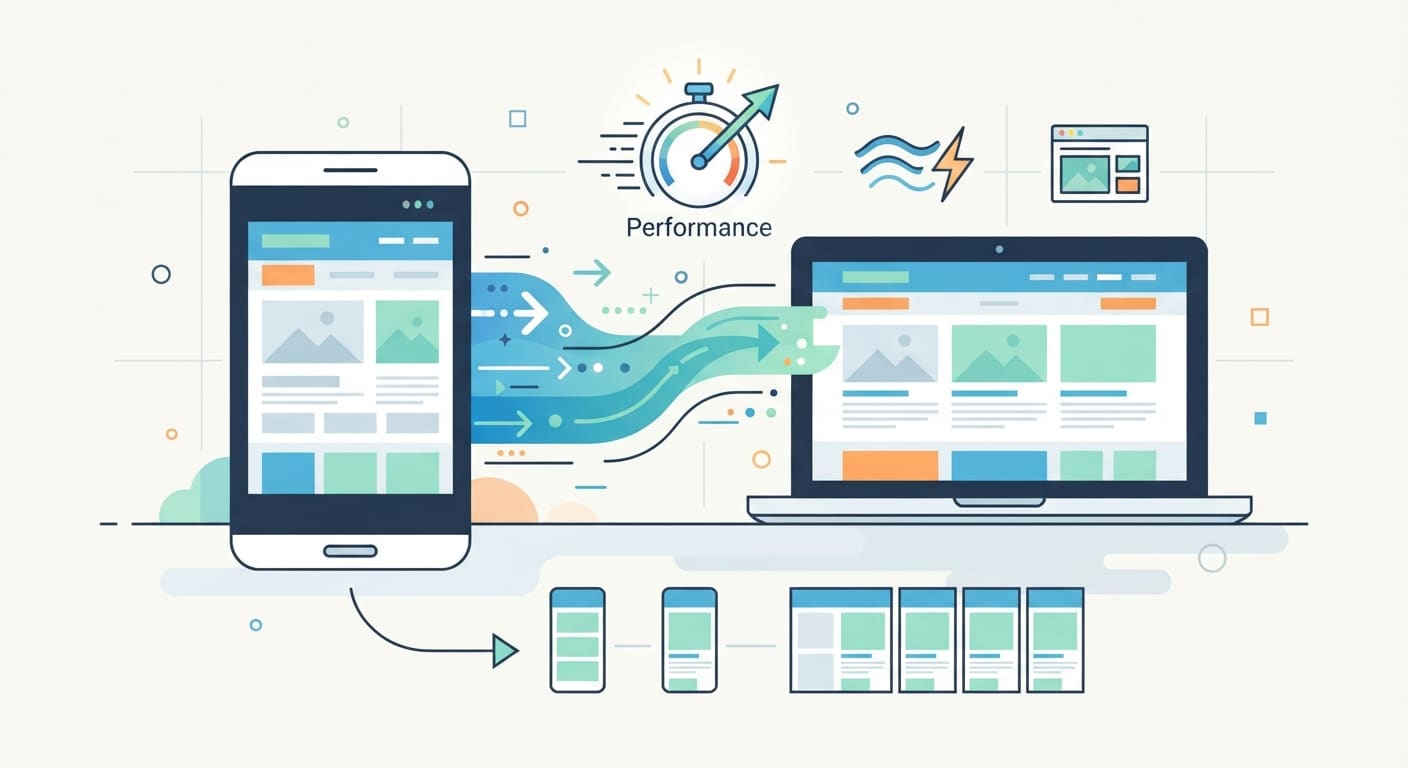
In the past, it was important not only to consider mobile design but also to install separate code, plugins, or themes for it. Now, at the end of 2026, you hardly hear or see anything about that anymore—but why is that? And are separate measures even still necessary to fully optimize a website for mobile devices? We’ll discuss that in this blog post.
WordPress Themes
Virtually all WordPress themes currently on the market automatically adapt to mobile screen sizes without requiring any additional settings—especially if you choose a reliable and popular theme. Examples include Astra, Neve, and others, which offer a wide range of starter templates to help you get started quickly. There are even AI solutions that let you design your website through a dialog.
By the way, you don’t necessarily need a theme for this, but if you use one, you’ll receive automatic updates as soon as they’re released. You can also use AI to create a theme from scratch—as we discussed in an earlier blog post. Read about that experiment here.
Google’s AMP Initiative
A few years ago, the term AMP (Accelerated Mobile Pages) was on everyone’s lips. AMP was an open-source project initiated by Google with the goal of drastically speeding up the loading of mobile web pages. This was achieved by using a simplified version of HTML and imposing stricter restrictions on scripts and JavaScript. Pages that used AMP were also stored in Google’s cache and often received a recognizable “lightning bolt icon” in search results.
Is AMP still in use?
In short: less and less, to the point of almost never. In the early years, Google gave priority to AMP pages in sections such as “Top Stories” (a carousel for news articles) on mobile devices. Around 2021, however, Google eliminated this preference, and the lightning bolt icon disappeared. Google’s focus shifted to Core Web Vitals—performance metrics that measure the actual user experience (such as load speed, interactivity, and visual stability), regardless of the technology or code used.
Since modern search engines now prioritize how well and how quickly a standard mobile website performs, many major news websites and publishers have discontinued support for AMP.
Does AMP still offer significant value today?
For most websites and WordPress users, AMP will no longer offer any added value by the end of 2026. What’s more, it often brings more drawbacks than benefits:
Duplicate work and maintenance overhead: You often have to manage two versions of the content or layout (the regular version and the AMP version).
Design and functionality limitations: Forms, interactive elements, pop-ups, and custom styling often don’t work in AMP or function only very limitedly.
No longer a ranking advantage: Google no longer rewards AMP per se in search results. It all comes down to your overall page load speed and user experience (Core Web Vitals).
If your website is built responsively and runs on a fast hosting plan —like the one we offer—you can already achieve excellent loading speeds with a standard WordPress theme and any optimization plugins (such as caching and image compression) —without any of the complexity of AMP.
Virtually every element is automatically scaled
Whereas in the past you needed special plugins or separate mobile themes to adapt text, images, and navigation menus to a small screen, today this happens almost entirely in the background of your theme or page builder.
Modern themes and WYSIWYG editors use responsive CSS grids and flexible layouts. Thanks to this automatic scalability, as a website creator, you no longer have to design two different versions of your website from scratch. The foundation is inherently mobile-friendly right out of the box.
However, a review is still strongly recommended
Even though technology takes care of most of the work for you, “automatically scaled” doesn’t mean you don’t have to worry about it at all. An automatic switch from desktop to mobile mode doesn’t work equally well in all cases.
A manual review therefore remains essential. When reviewing your mobile layout, pay attention to the following points, among others:
• Readability and hierarchy: Do the headings look too huge on a cell phone screen, so that a single word takes up three lines?
• Clickable Elements: Are buttons, links, and forms too close together, causing visitors to accidentally tap the wrong element?
• Spacing and Margins: Is there enough white space on the sides of the screen, or does the text hug the edge of the mobile screen?
• Speed and user experience: Do complex animations, video backgrounds, or large tables run smoothly even over a mobile connection and on a smaller screen?
You can easily perform this check by using the developer tools in your browser (which let you simulate different screen sizes) or by simply opening the website on your own smartphone. Small adjustments to the mobile settings in your page builder or theme often make the difference between a website that “just works” and one that feels truly enjoyable and conversion-oriented for mobile visitors.