Also check out below articles
 05-06-2026
Set up an out-of-office message (vacation notification)
That time of year is fast approaching again: vacation season! For many startups22-06-2026Is it possible to develop your own WordPress theme?
An experiment I’ve been working on for several weeks now involved using08-05-2026Detect broken links
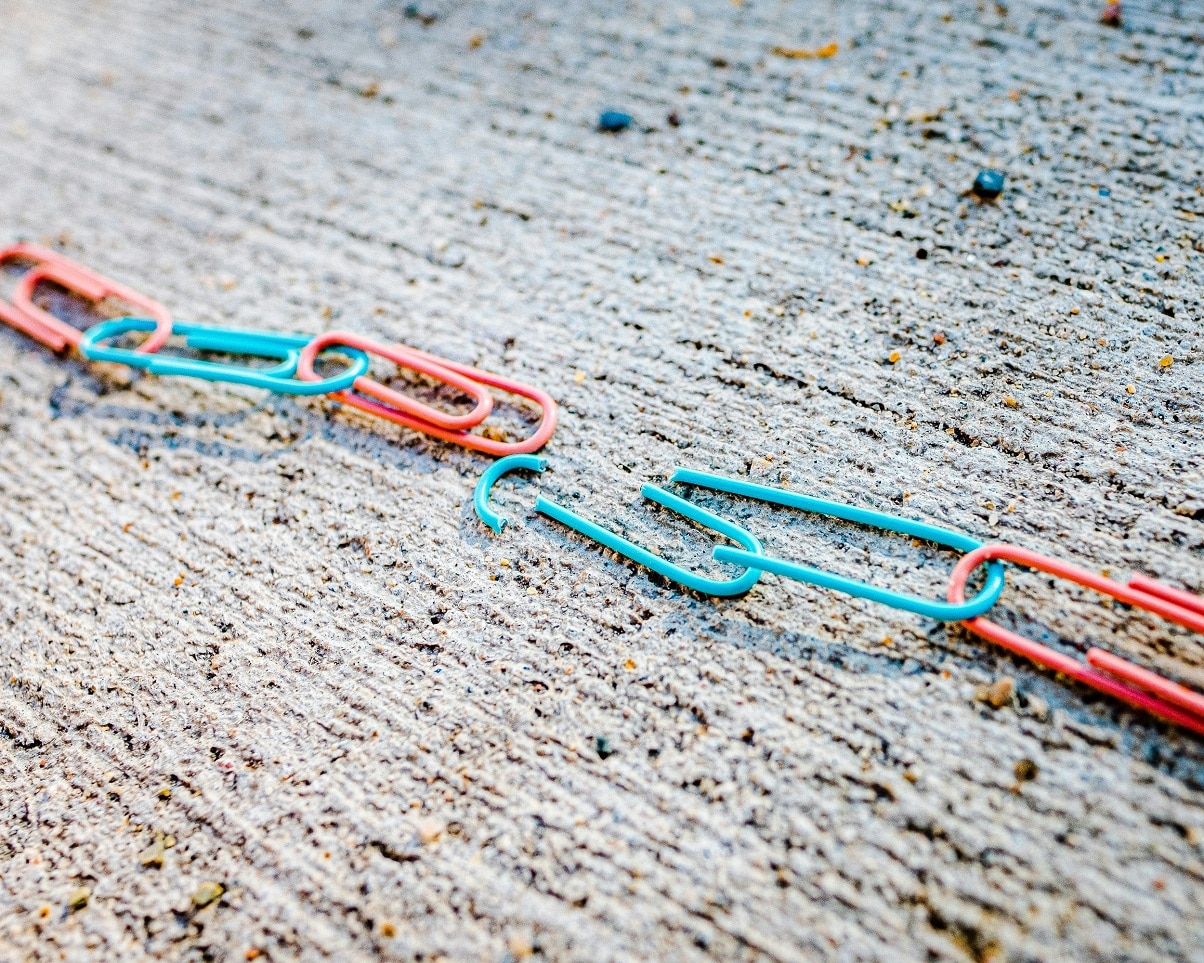
Prevent 404 errors from ruining your SEO score and user experience. Nothing is more frustrating for a visitor than clicking on a promising link and then landing on a page that says “404 – Page Not Found.”
Even though a single broken link may seem harmless, an accumulation of “broken links” can seriously damage your reputation and your ranking in search results. In this blog, we explain why these errors occur, what effects they have, and—most importantly—how to fix them.
What is a 404 error?
A 404 error is an HTTP status code that indicates the server cannot find the requested page. This usually happens in three scenarios:
1. The page has been deleted: You deleted an old blog post or product page without setting up a redirect.
2. The URL has been changed: You changed the title of a page (and thus the link), but the old link is still floating around somewhere on the internet or on your own website. For example, in another article you linked to.
3. A typo: You entered a link manually and accidentally omitted a letter. This doesn’t happen very often in most cases.
Most WordPress themes offer a built-in option to further customize the 404 page, for example by adding a search function. This allows customers or visitors to still search for what they want. And thus gives them another chance to view their visit to your website as a positive experience.
Why are broken links bad for your website?
1. The “User Experience” (UX) suffers
Visitors come to your site with a specific goal in mind. If they encounter a dead link, their experience is interrupted. There’s a high probability they’ll leave your website immediately and move on to another result. Google, of course, recognizes this immediately, records it, and concludes that your website isn’t relevant enough or doesn’t match the search intent. With all the possible consequences.
2. You’re wasting “crawl budget”
Search engines like Google send “spiders and robots” to your website to index pages. These spiders have limited time (crawl budget). If they constantly run into closed doors (404 errors), they spend less time indexing your new and important content.
3. Loss of link value (link juice)
Have you earned a good external link from another website to a specific page, but is that link now broken? Then all the authority you’ve built up is lost. Which makes the link useless.
How do you detect these gaps?
Fortunately, you don’t have to manually click on every link on your website. There are smart tools that do this for you:
Google Search Console: The most reliable and easiest source, which is also free to use. Under the “Indexing” section, you can see exactly which pages are returning a 404 error according to Google. You can set up Google Search Console quickly and easily by following the steps in our article.
Screaming Frog SEO Spider: A powerful desktop program that “scans” your entire website and clearly shows where there are issues .
Online Broken Link Checkers: Websites like Ahrefs Broken Link Checker offer free quick scans for your domain.
WordPress Plugins: There are plugins like Broken Link Checker, but be careful: These can slow down your website because they run constantly in the background. It’s better to use them only temporarily and then deactivate them again.
The Big Cleanup: How Do You Fix the Problem?
Once you have the list of broken links, it’s time to take action. You have three possible solutions:
1. Fix the link: Is it a simple typo in a menu or text? Manually update the link to the correct URL.
2. Set up a 301 redirect: This is the best solution for deleted pages. With a 301 redirect, you tell the browser and Google: “This page has been moved to [new link].” The visitor won’t notice a thing, and the link value is preserved.
3. Create a useful 404 page: Sometimes an error is unavoidable (for example, if a visitor makes a typo themselves). In that case, create a creative 404 page with a search bar and links to your most important pages so the visitor doesn’t leave immediately.
A fast website starts with a solid foundation
At MijnHostingPartner.nl , we ensure the speed and stability of your hosting package, but maintaining your links is up to you. By performing a quick monthly check for broken links, you keep your website up to date, your visitors happy, and Google satisfied.
Have you checked your website for dead links recently? Avoid frustration and take a quick look at your Google Search Console today!