Also check out below articles
 23-10-2026
HTTPS and SEO: Why Google Penalizes Websites Without an SSL Certificate
As a visitor you may not consciously notice it anymore but the familiar “lock”27-05-2026Is a "Coming Soon" page a good idea?
A common phenomenon in the world of websites and the internet is the “Coming01-08-2026Google Search Console is rolling out social media reporting worldwide
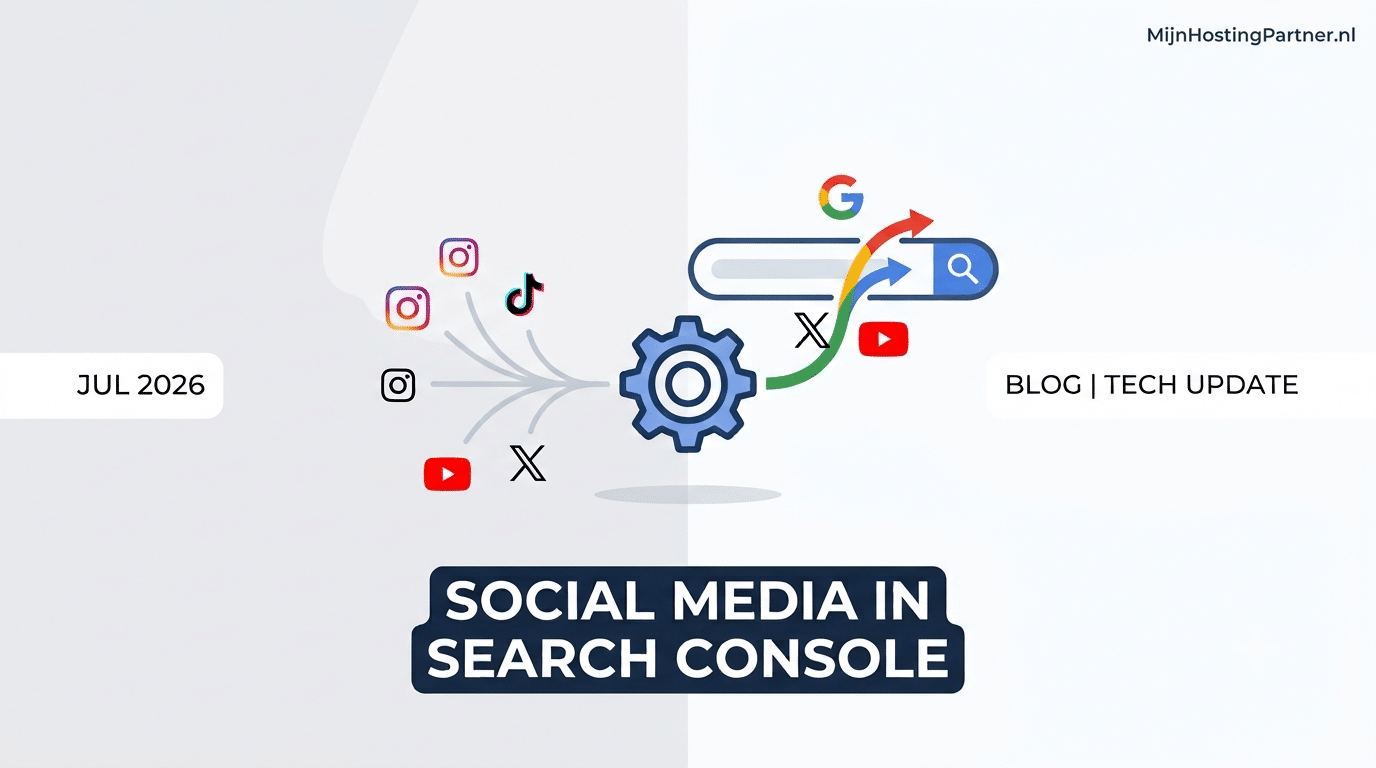
We posted this news on our blog a while back: Google announced that it would soon be possible to link social media channels to Google Search Console. At the time, we had to be patient due to the phased rollout, but now the time has finally come: The feature is now available worldwide and can be used right away!
Do you have an active account on Instagram, TikTok, X (Twitter), or YouTube? If so, starting today, you can link them directly to your Search Console dashboard.
In this update, we’ll take a look at exactly what has changed, how to set up your channels, and what you can do with these new insights.
What’s new?
While social media and SEO seemed to be two separate worlds in the realm of reporting until now, Google is finally bringing them together. With the introduction of “Platform Properties,” you can add your official social media profiles as separate “properties” in Google Search Console.
This means you no longer have to guess how much organic search traffic from Google is driving traffic to your TikToks, YouTube videos, or Instagram posts. You can now see it directly in familiar, easy-to-read reports!
What can you measure with this update?
Once you’ve linked your social media profile, you’ll gain access to valuable performance data:
Search Queries: What specific search terms do users enter into Google when your social media posts appear in search results?
Impressions & Clicks: How often do your videos and posts appear in Google Search and Google Discover, and how often are they clicked on?
Performance by Platform: Easily compare the performance of your various channels. Does your YouTube channel perform better in search results than your Instagram page? You can see that at a glance.
How can you set this up right away?
Since the feature is now enabled for everyone, you can get started right away. Follow these simple steps to link your first channel:
Sign in to your Google Search Console account.
Click the menu in the top-left corner showing your current properties and select “Add property.”
Select the new “Platform” (or “Social Media”) type.
Select the desired platform (Instagram, TikTok, X, or YouTube) and enter the URL of your official profile.
Verify ownership by following the provided steps (usually by confirming a link via the corresponding social media account).
Once verification is complete, Google will begin collecting and displaying your performance data! It may take up to 48 hours for your first data to appear here. Please keep this in mind.
Why This Is Important for Your Online Strategy
Search engines are becoming increasingly visual, and social media content plays an ever-greater role in what users see on Google. By analyzing your social media performance through Search Console, you can pinpoint exactly which topics resonate well with searchers. You can use these insights directly to:
write new blog posts or landing pages on your own website.
create targeted new social media content based on popular search terms.
strengthen your overall online visibility (SEO + social) from a single central location.
Let’s get started!
The tool is ready for you—so dive into your Google Search Console today and connect your channels!
Do you want to ensure that your own website is just as fast and easy to find as your social media channels? Then lay a solid foundation with the fast and reliable hosting packages from MijnHostingPartner.nl. Do you have questions about SEO or hosting? Our knowledge base and help desk are here to assist you!